Your nights are available.
Let's get them booked.
StaySherpa asks one question: which of my nights are still available, and what should I post to get them booked? From available nights to a scheduled, on-brand post in under 60 seconds.
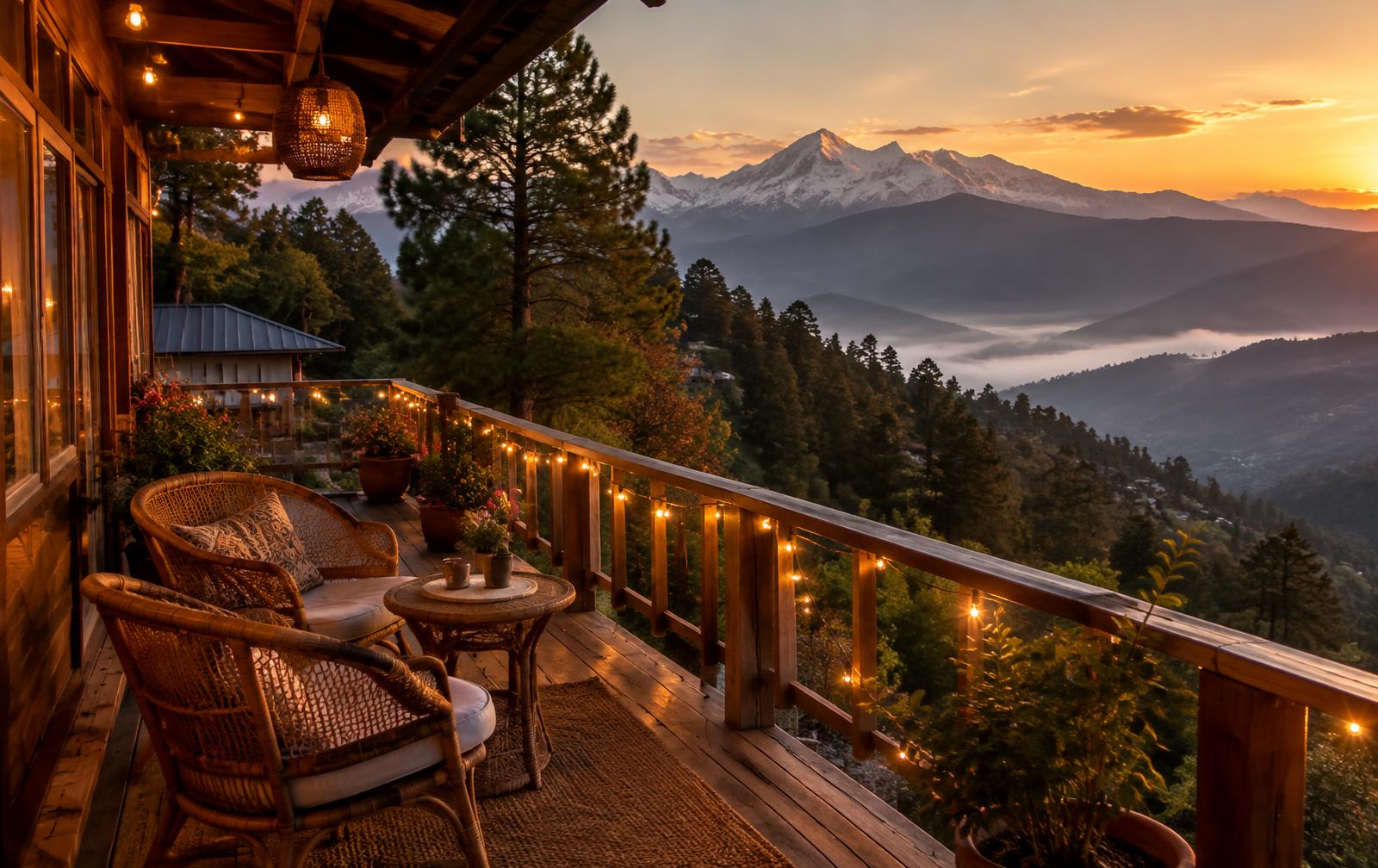
A fuller calendar, in three steps
Find available nights
StaySherpa reads your calendar, spots every run of two or more available nights in the next 60 days, and ranks them: long weekends, festivals and peak season first.
Create posts
For each set of available nights you get a ready caption per channel, matched to the season and what's happening around those nights. Diwali week reads differently from a quiet January stretch.
Schedule
Approve and it goes straight to Buffer at the right time. If the dates get booked later, the post cancels itself and you get a notice.
What a few available nights become
Christmas falls during these dates, and they cover a long weekend: a high-demand winter stretch.
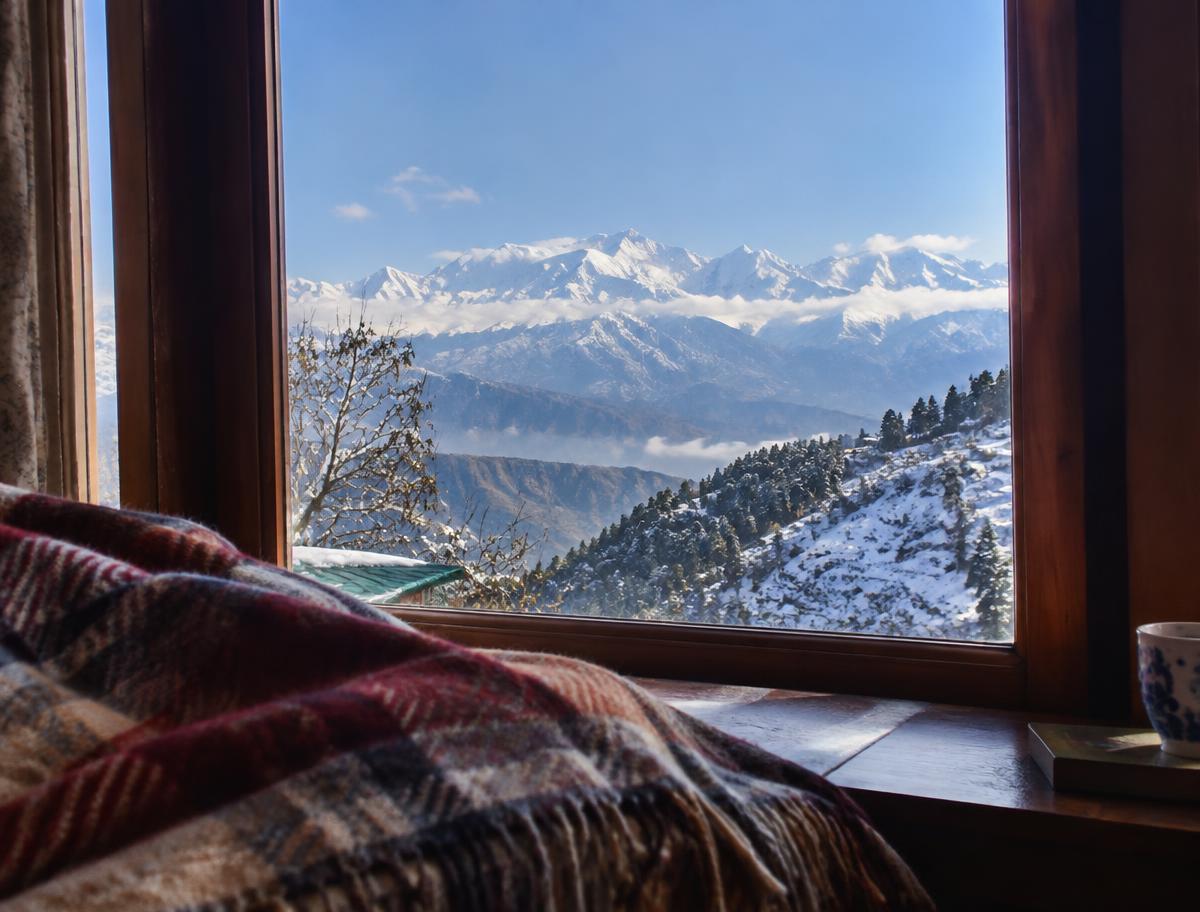
✨ Christmas at Pinecone Cottage, Dehradun: 3 nights available. Check in 25th December '26, check out 28th December '26. Snow-capped views from the deck · Home-cooked Garhwali meals · Bonfire evenings under the stars We'd love to host you. DM us to book. #Dehradun #Uttarakhand #Christmas
Scheduled for 20th December '26 · 5:30 pm IST · Instagram
Written by StaySherpa for the demo cottage, using only what its host listed. If the dates get booked before the post goes out, it's removed from Buffer automatically and the host gets a notice.